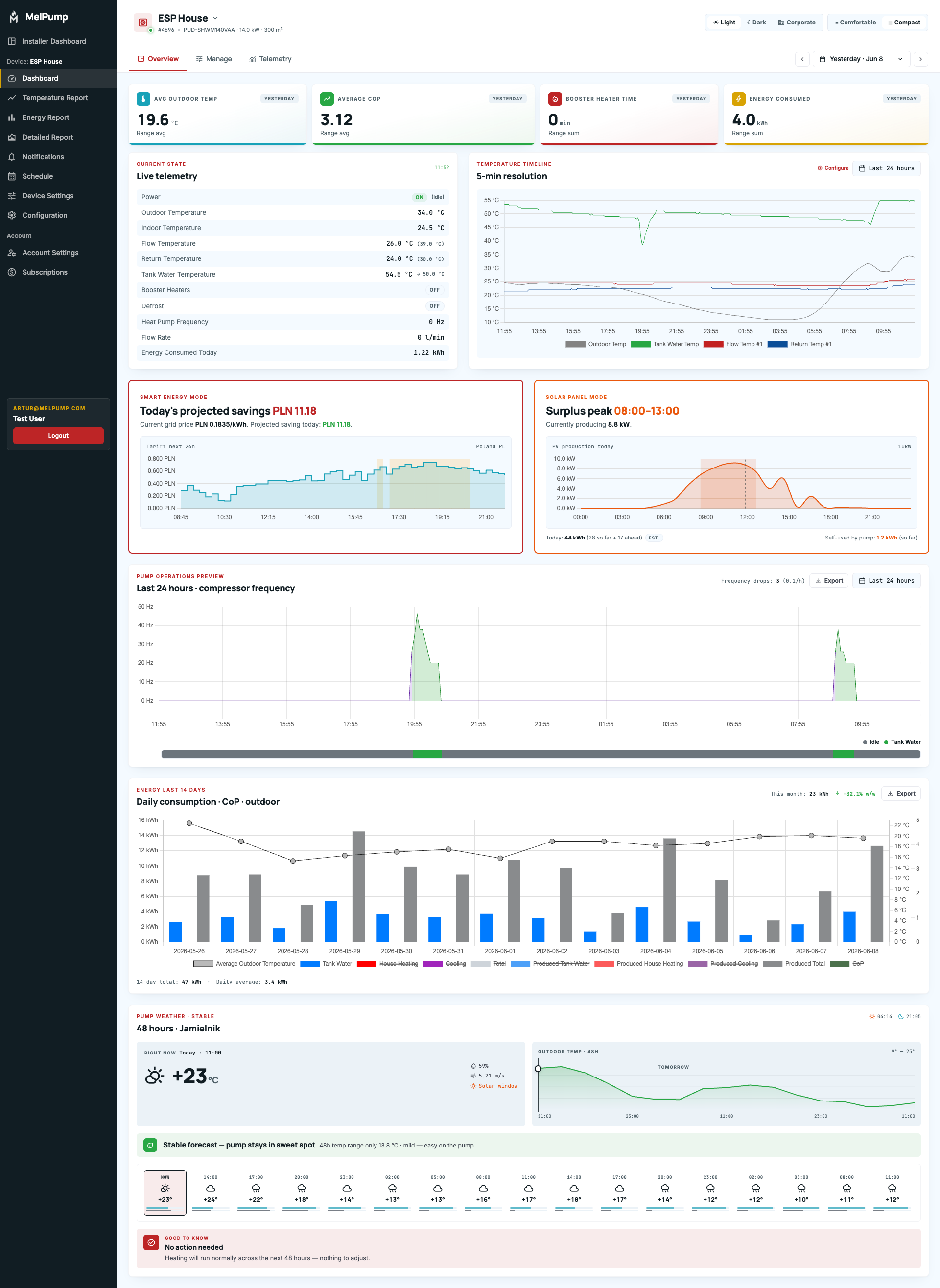
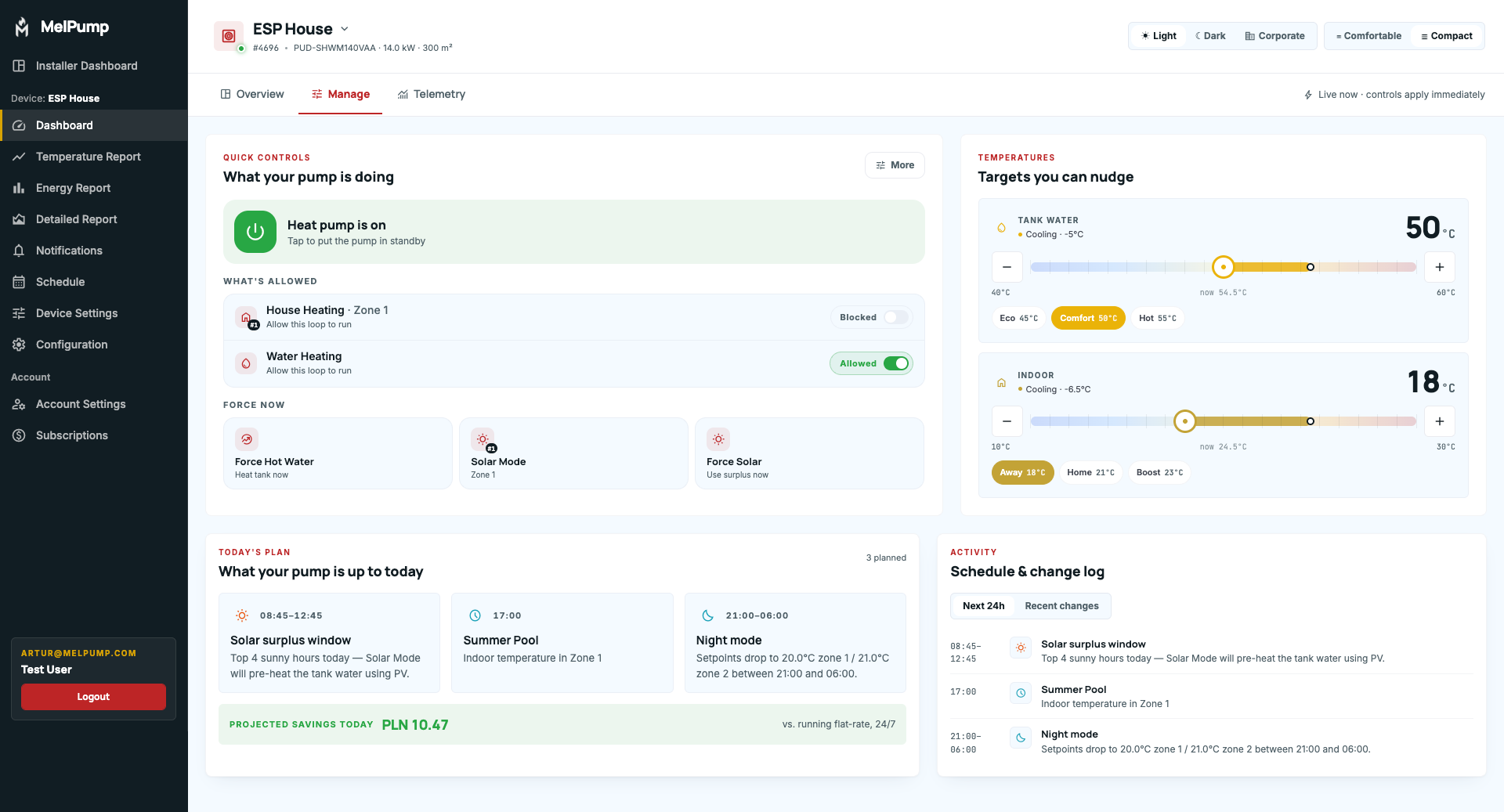
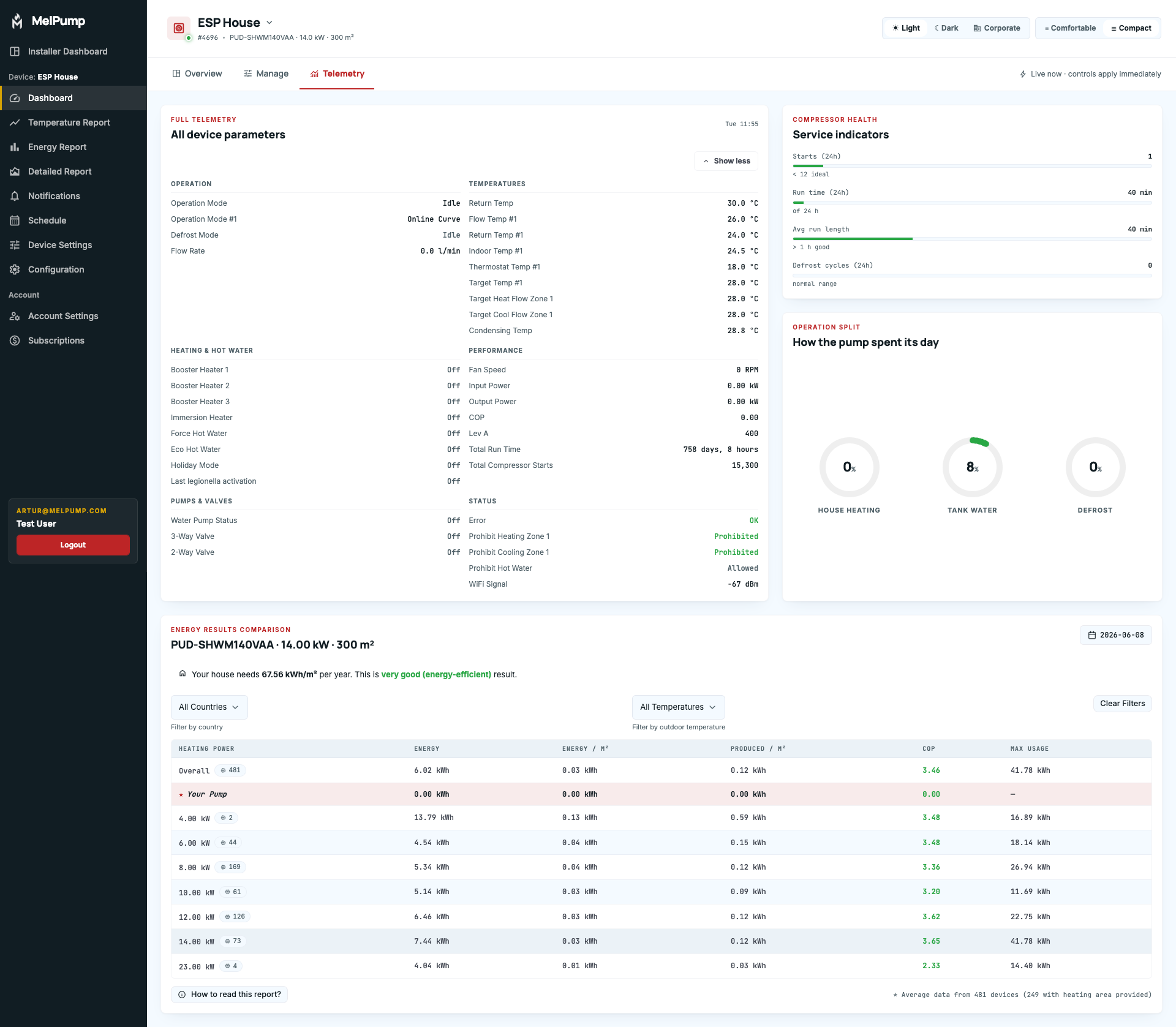
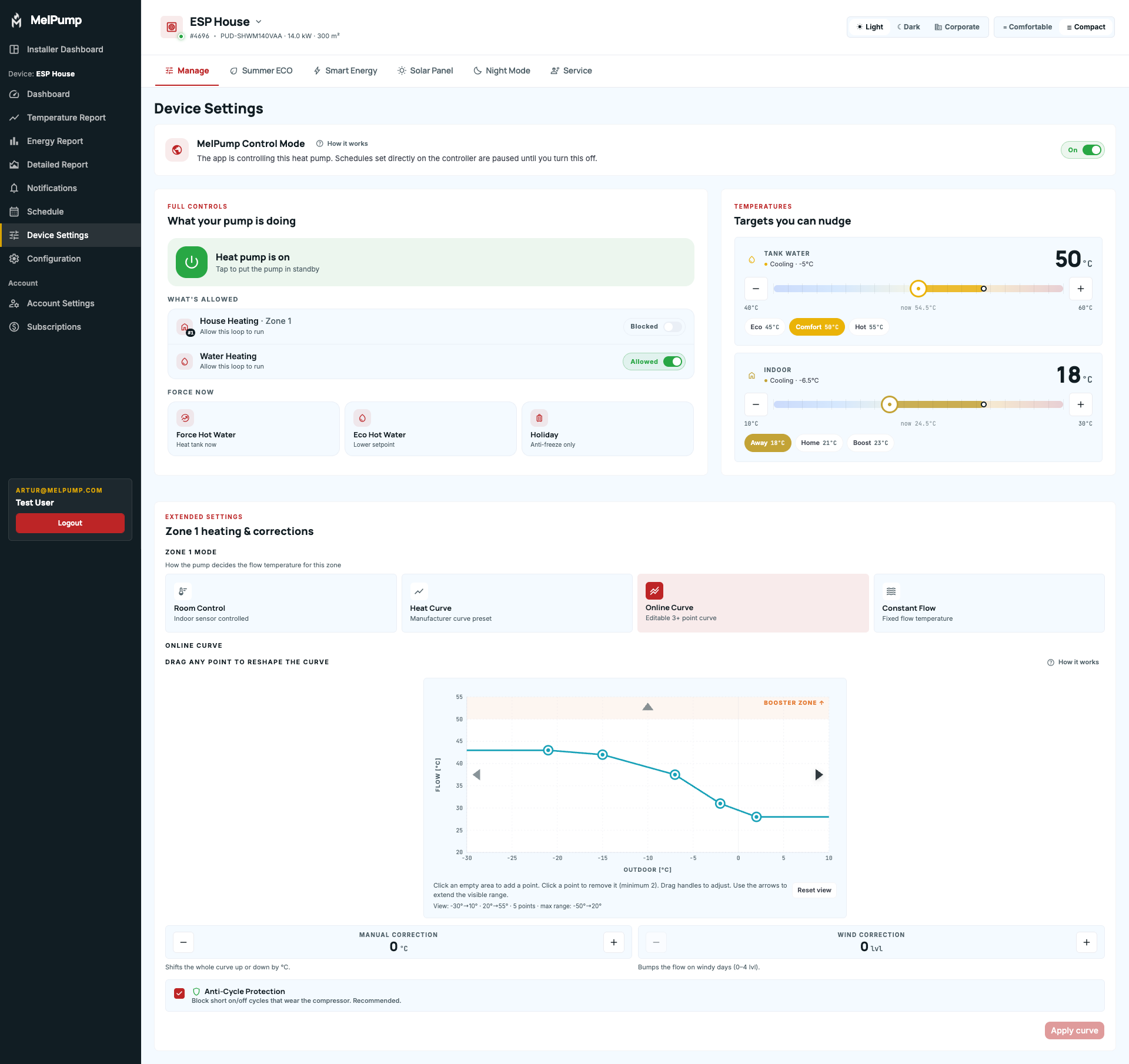
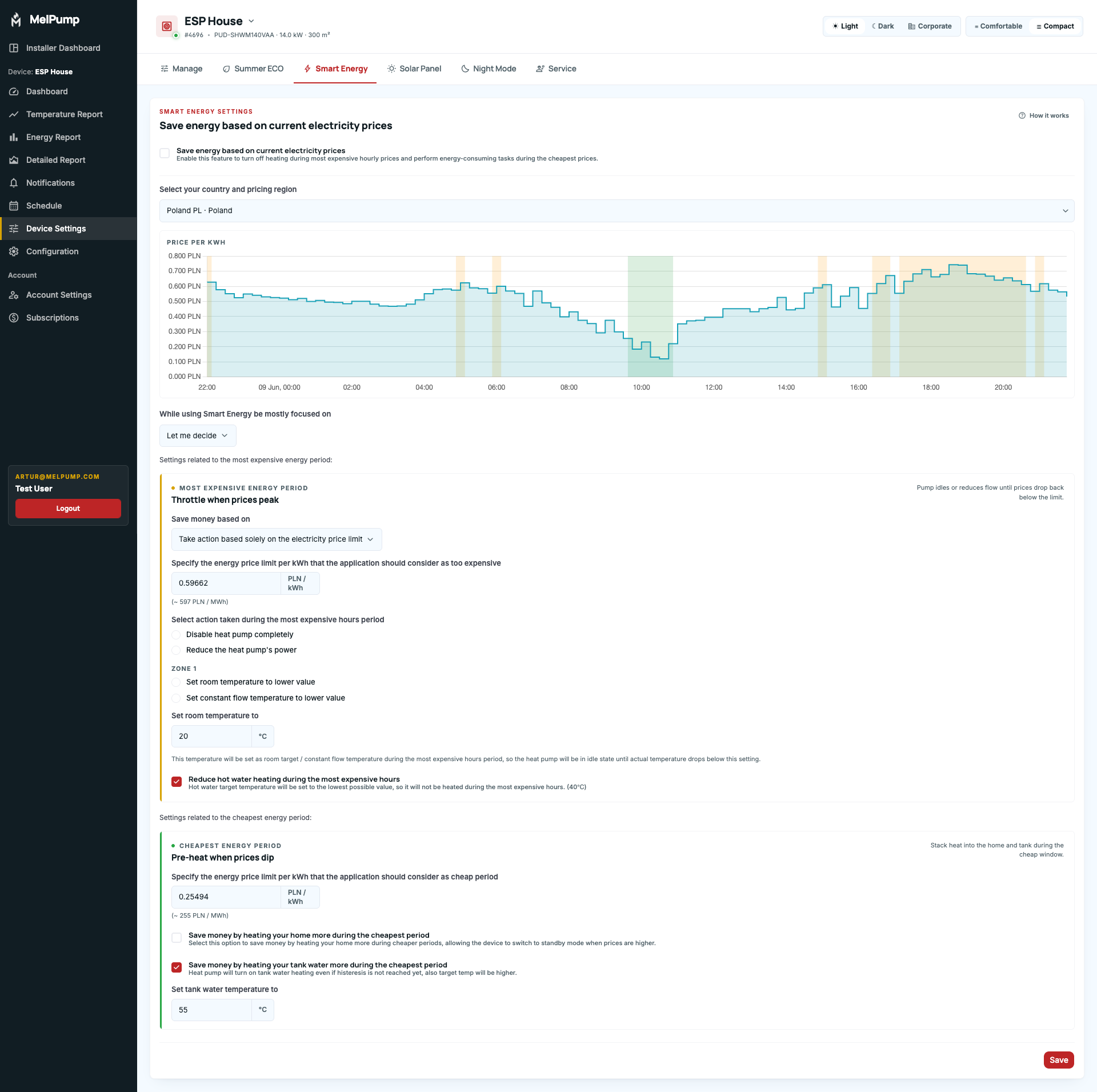
Over the last two months, we've been working on a completely refreshed user interface focused on usability, readability, and making MelPump easier to understand for new users.
The overall structure of the application and the purpose of individual pages remain unchanged. We know many users value the current workflow and have become familiar with the existing layout, so we wanted to preserve that experience. However, some pages that gradually became overloaded with information have now been reorganized into separate subsections for improved clarity and navigation.
More than just a visual refresh
In addition to the new design, the application should feel faster and more responsive. We've also added more helpful hints, improved error handling, and simplified the process of adding new integrations.
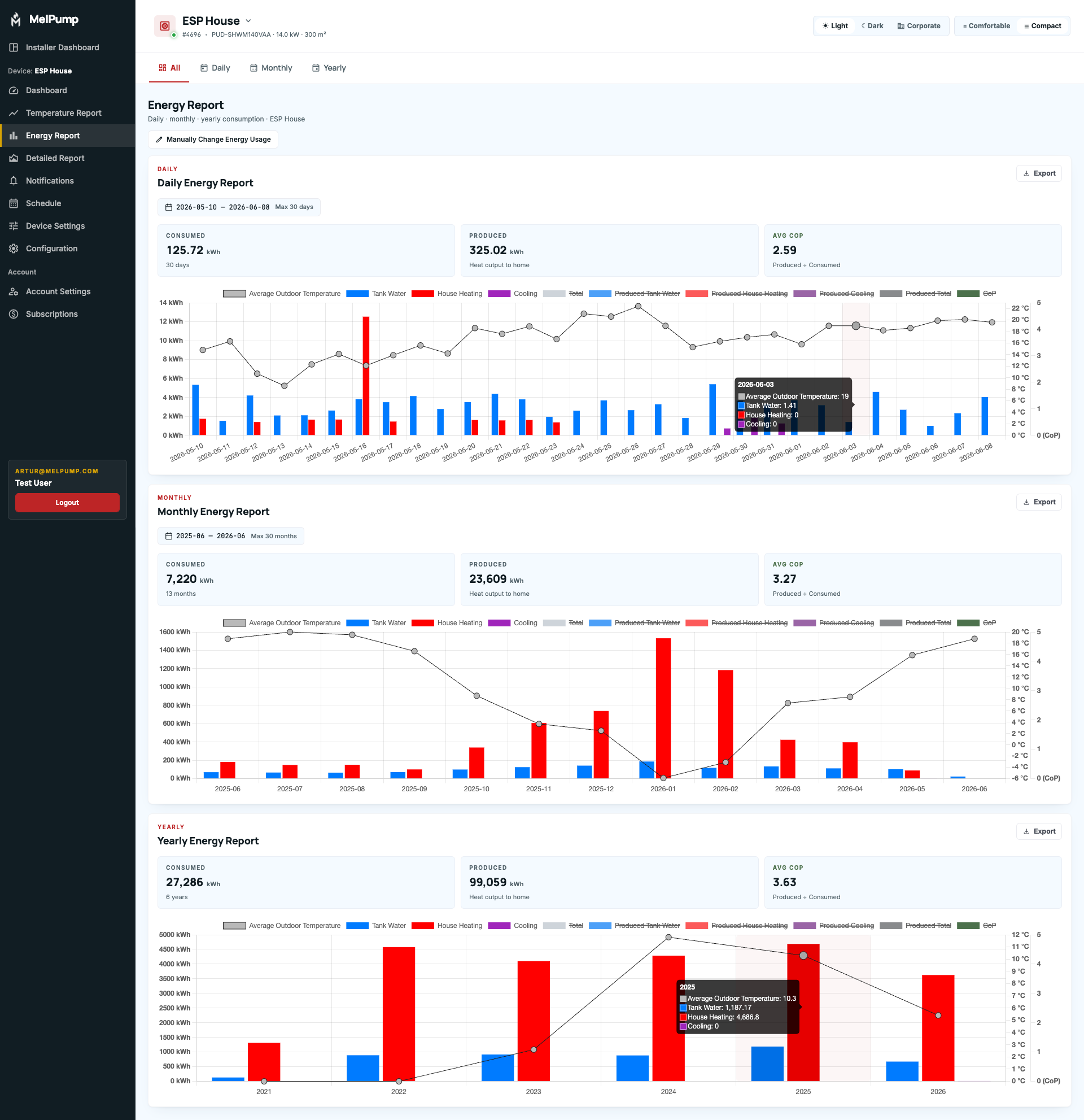
The main reports remain largely unchanged, but several quality-of-life improvements have been introduced, including:
- Zoom controls now include a new "Last 1 Hour" shortcut.
- The Energy Report now displays aggregated totals.
New Features and Sections
The new interface also introduces several completely new sections and capabilities:
- The main dashboard now includes dedicated Energy Price and Solar Hours sections.
- A new Weather widget with insights about expected heat pump operation.
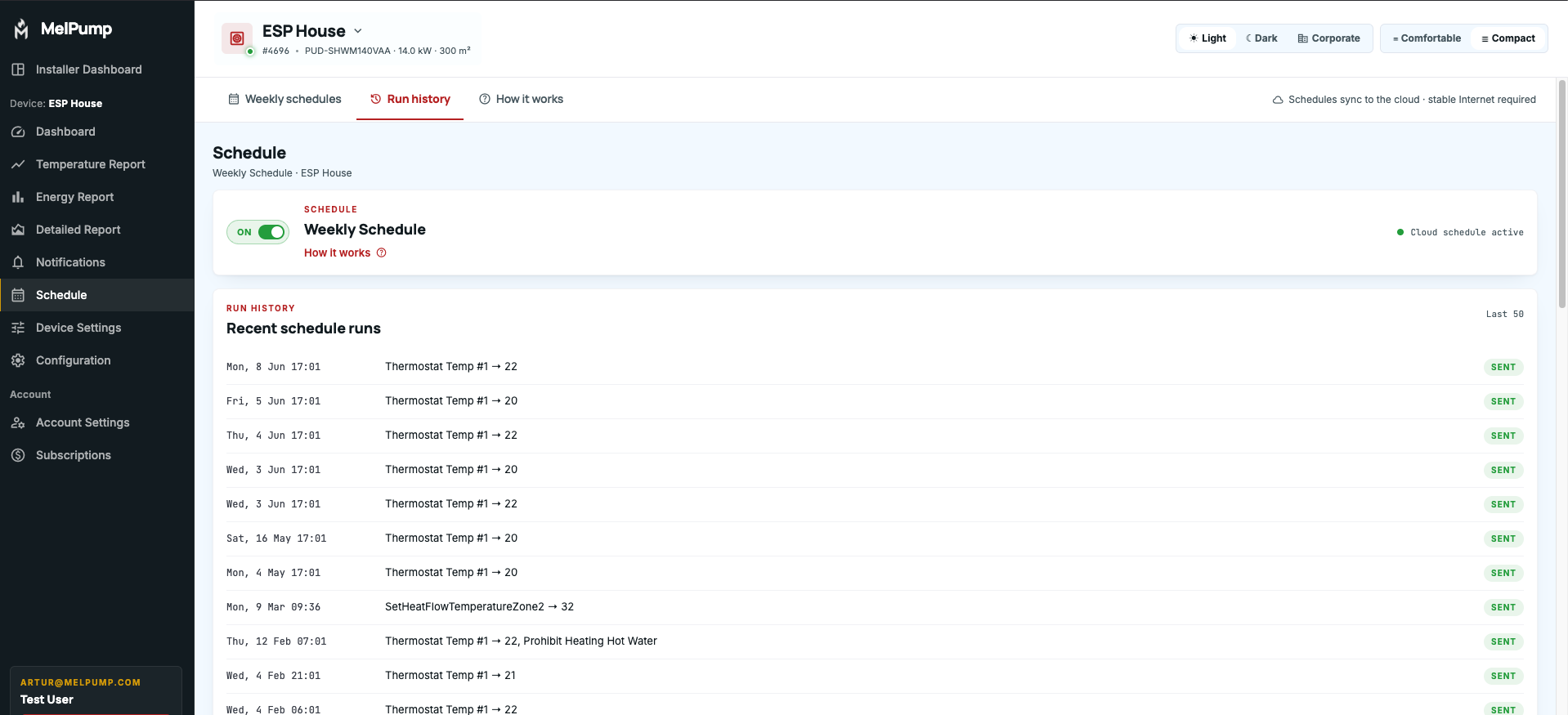
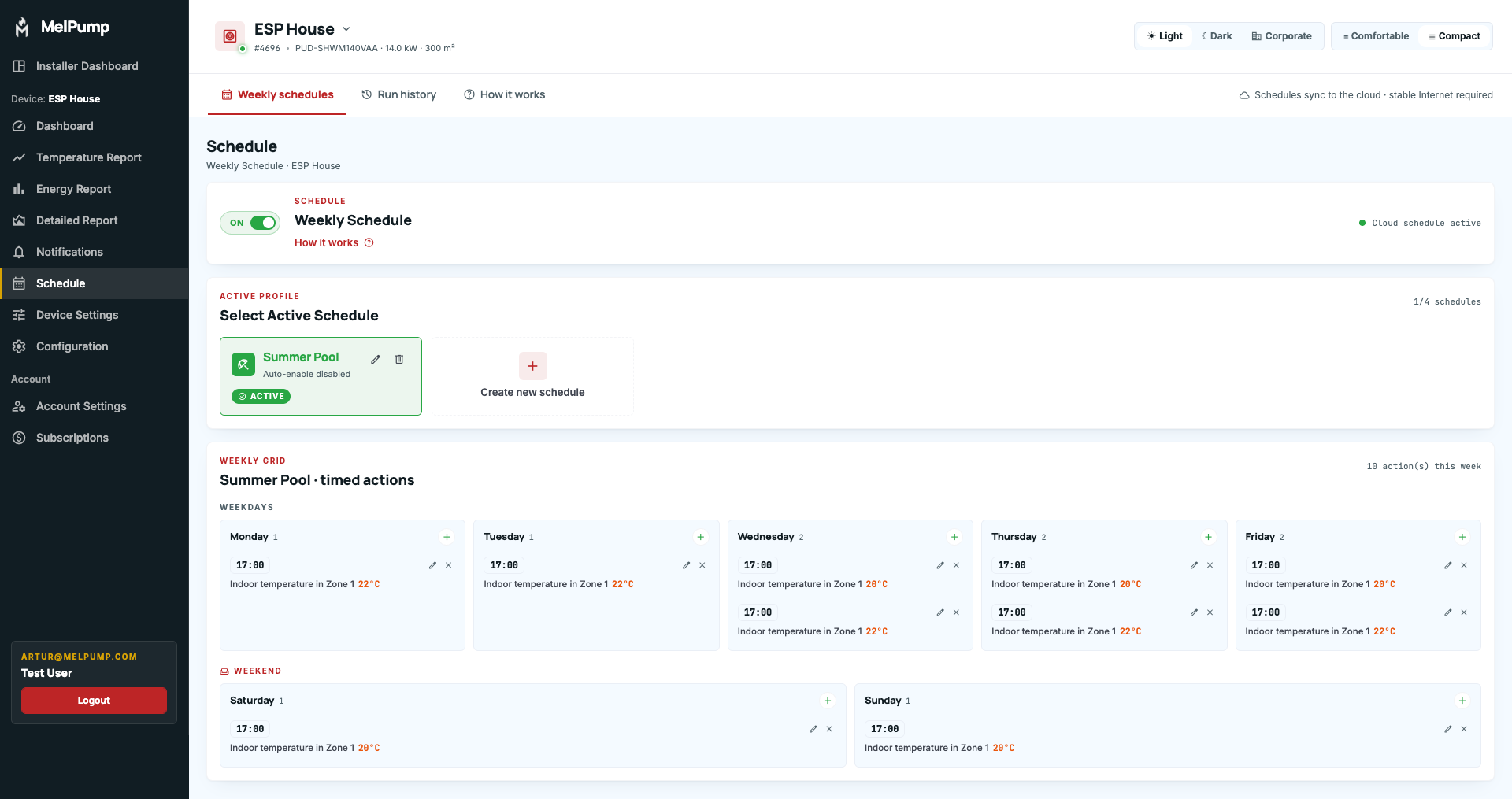
- History of scheduled and executed actions performed by Scheduler and automation modes.
- History of user-configured setting changes.
- Alarm history and alarm information displayed directly on the main dashboard.
- Ability to edit existing Scheduler actions.
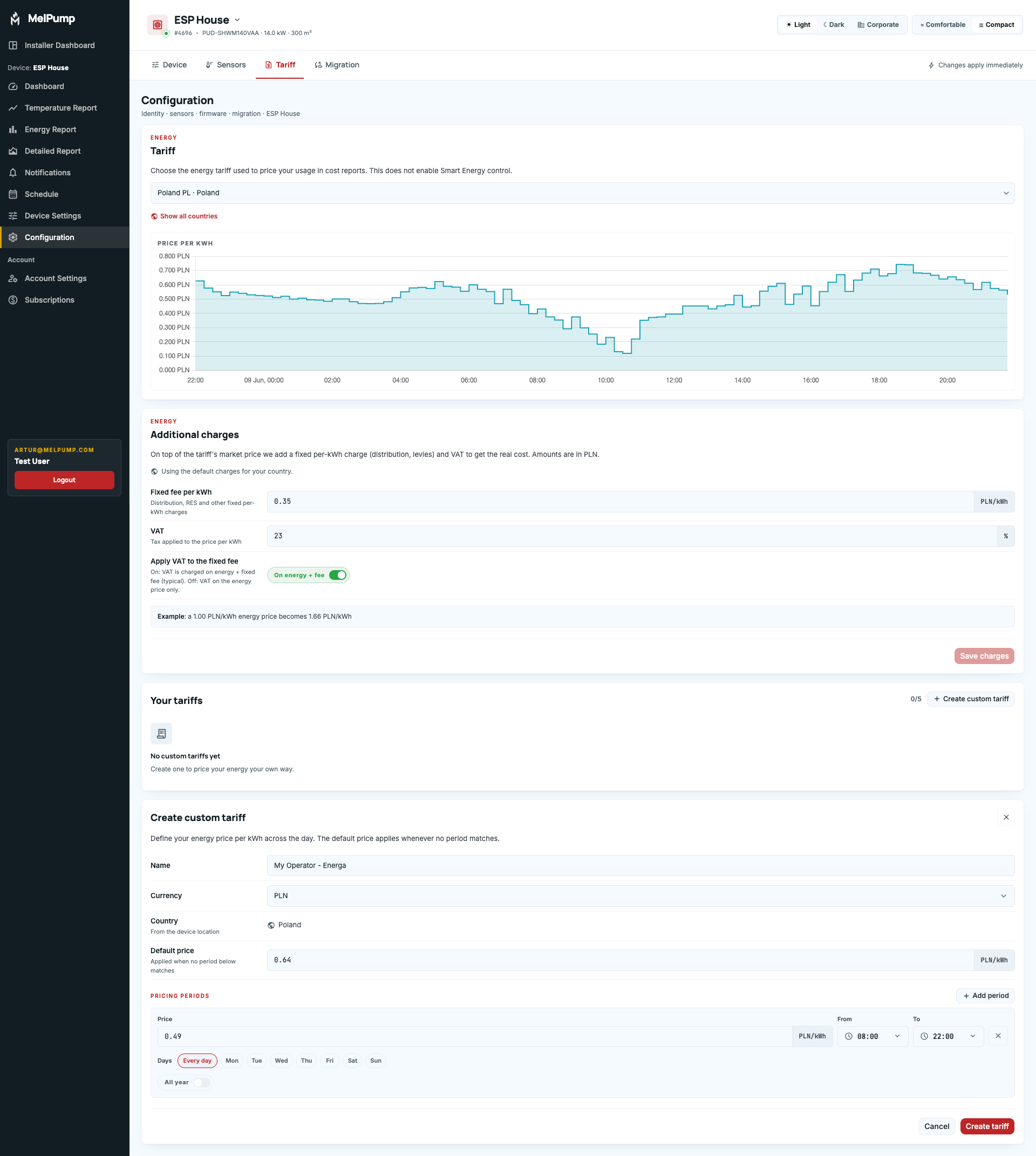
- Support for Custom Energy Tariffs.
Custom Energy Tariffs can be configured either for Smart Energy mode or simply to unlock energy cost reporting.
This enables an entirely new cost-based reporting system that estimates real operating costs based on the heat pump's current power consumption and actual electricity prices. Instead of displaying only kWh usage, the new report will estimate real operating costs and forecast potential savings achieved through Smart Energy and Solar Mode.
Custom Tariffs also support:
- Grid/distribution fees
- VAT
- Seasonal pricing variations
Beta Testing
The new UI will soon enter testing.
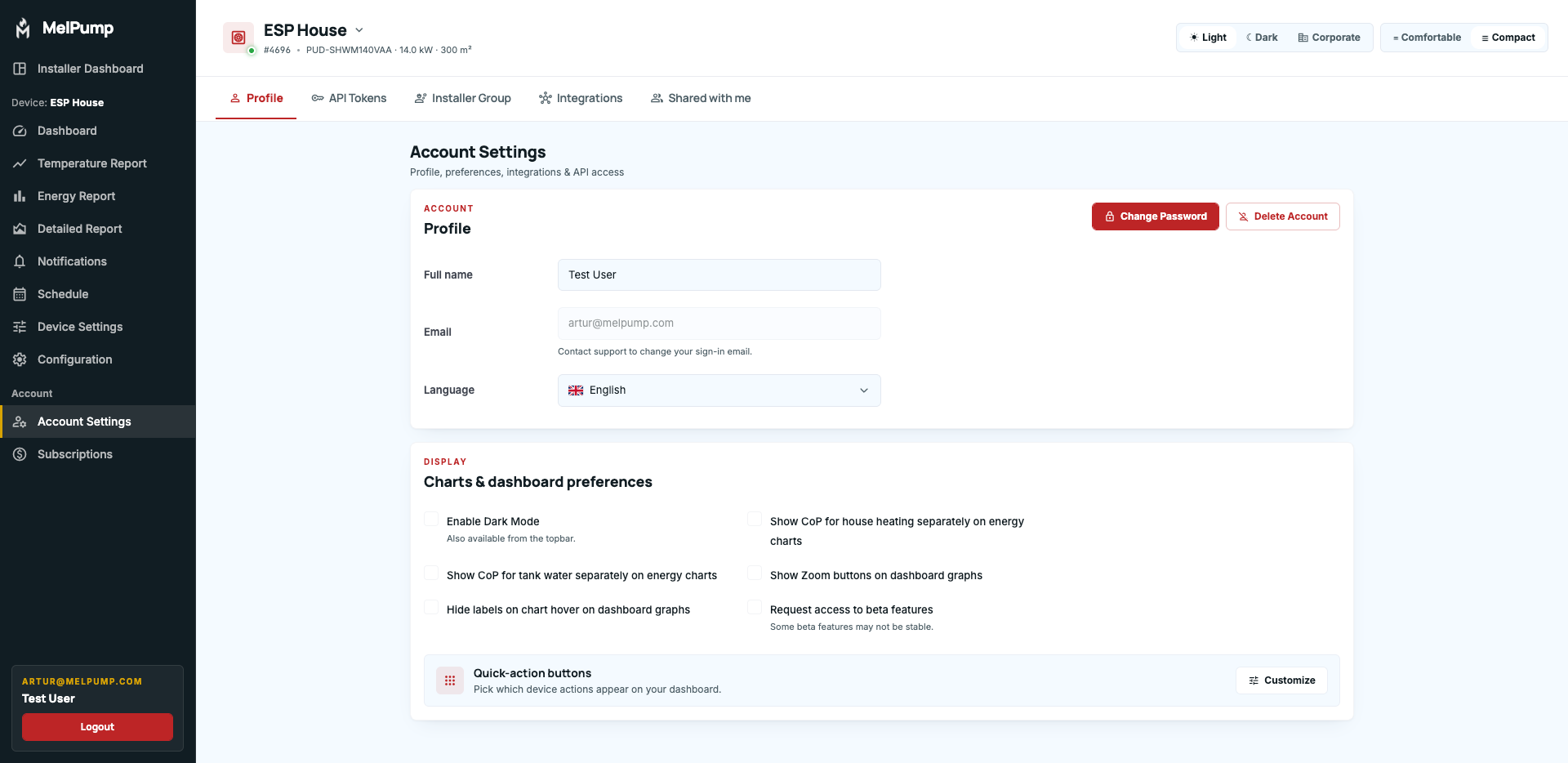
If you would like to participate in the beta program, please go to Account Settings and enable "Request access to beta features".
If you are not ready to switch to the new interface yet, make sure this option remains disabled.
Users with this flag enabled will be migrated to the new application once development is completed, currently expected within the next month.