This update gives you more control over schedules and temperature presets, and makes the dashboard easier to use on your phone.
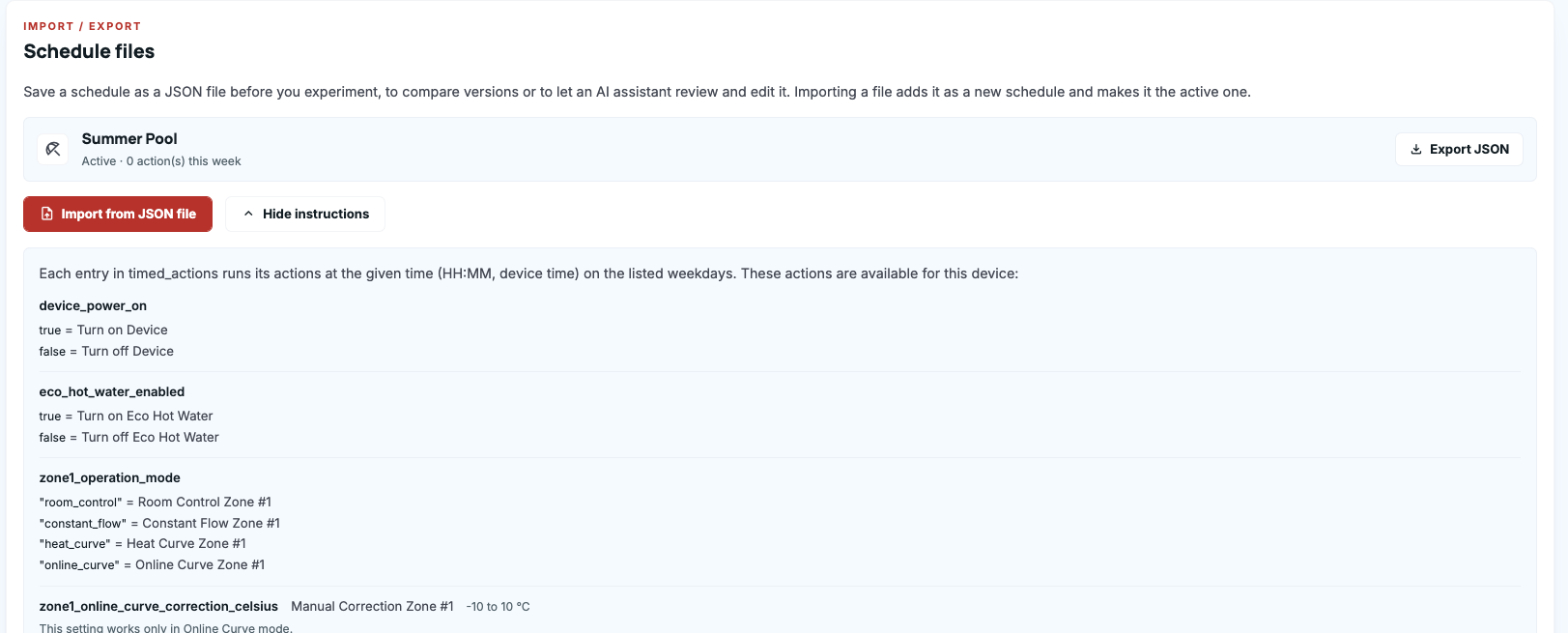
- Schedule files: You can now export any schedule to a file and import it back as a new schedule. This makes it easy to save a working setup, try a variation, and switch back if needed. The file is easy to read and edit, and Copy AI prompt gives an AI assistant everything it needs to help you adjust it. You’ll find it in Schedule > Info & tools.
- Clearer schedule status: Only one schedule runs at a time. Inactive schedules are now dimmed and labelled “Disabled”, and when you switch schedules, the app confirms that the previous one will no longer run.
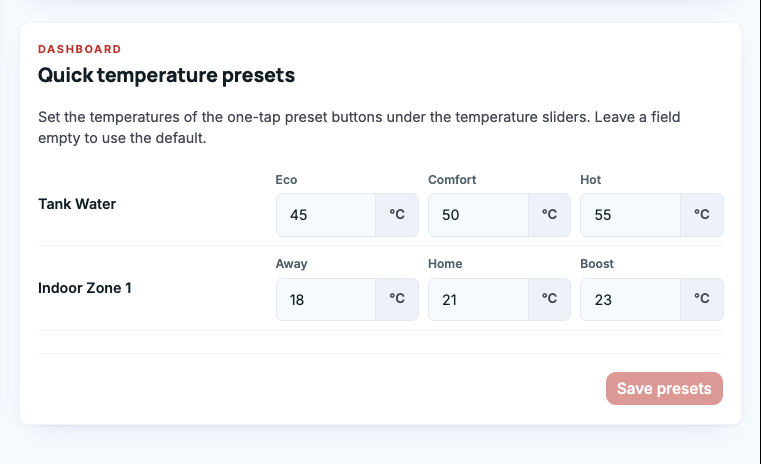
- Custom temperature presets: You can now set your own values for the quick presets under the temperature sliders: Eco, Comfort and Hot for hot water, and Away, Home and Boost for rooms. You can set them separately for each device in Configuration > Device.
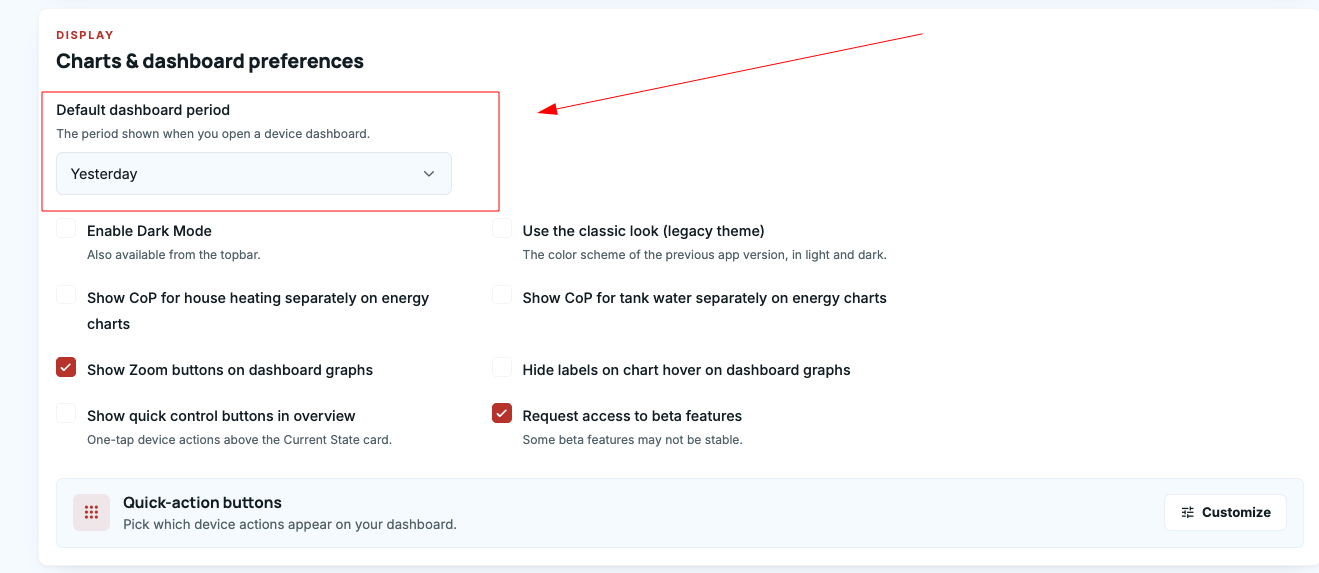
- Choose your default dashboard view: The dashboard can now open on Today, Yesterday, Last 7 days or Last 30 days. Set it in Account settings > Display.
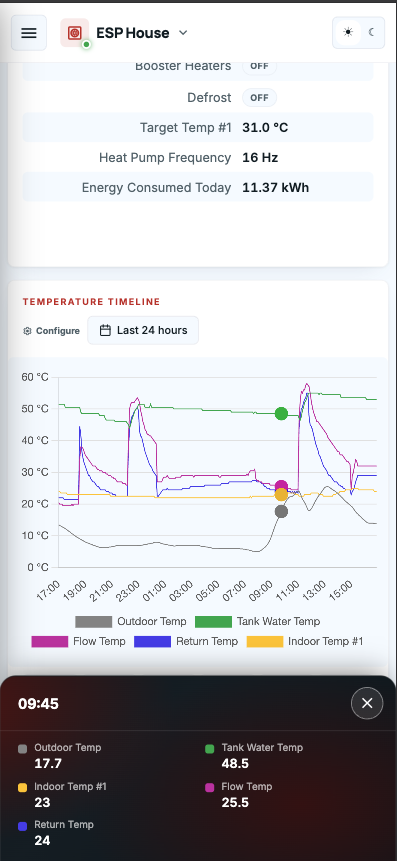
- Easier-to-read charts on phones: When you tap a chart, the readings now appear in a panel at the bottom of the screen instead of covering the chart.
- Updated app manual: New sections on schedule files, temperature presets and the default dashboard view.