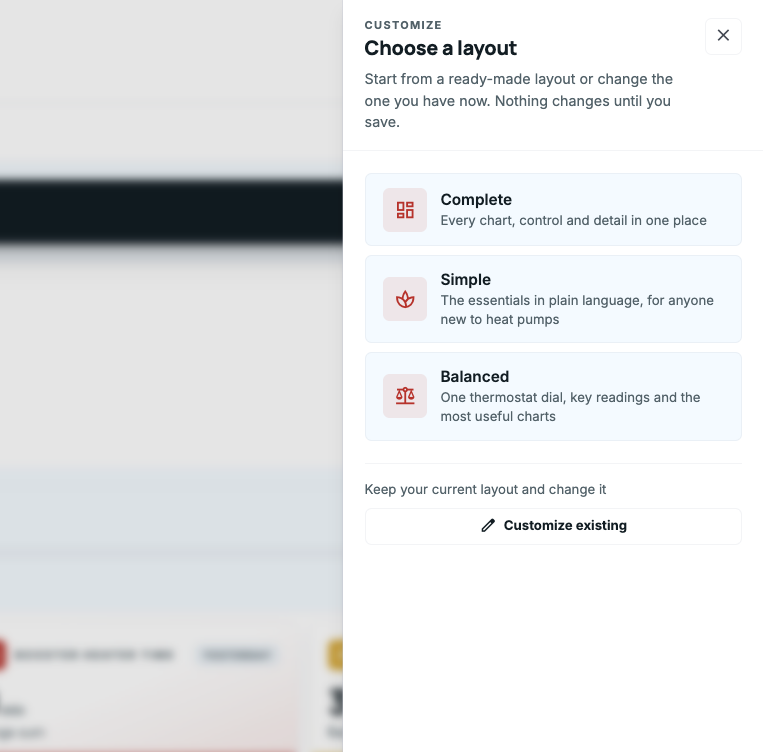
Make the dashboard your own
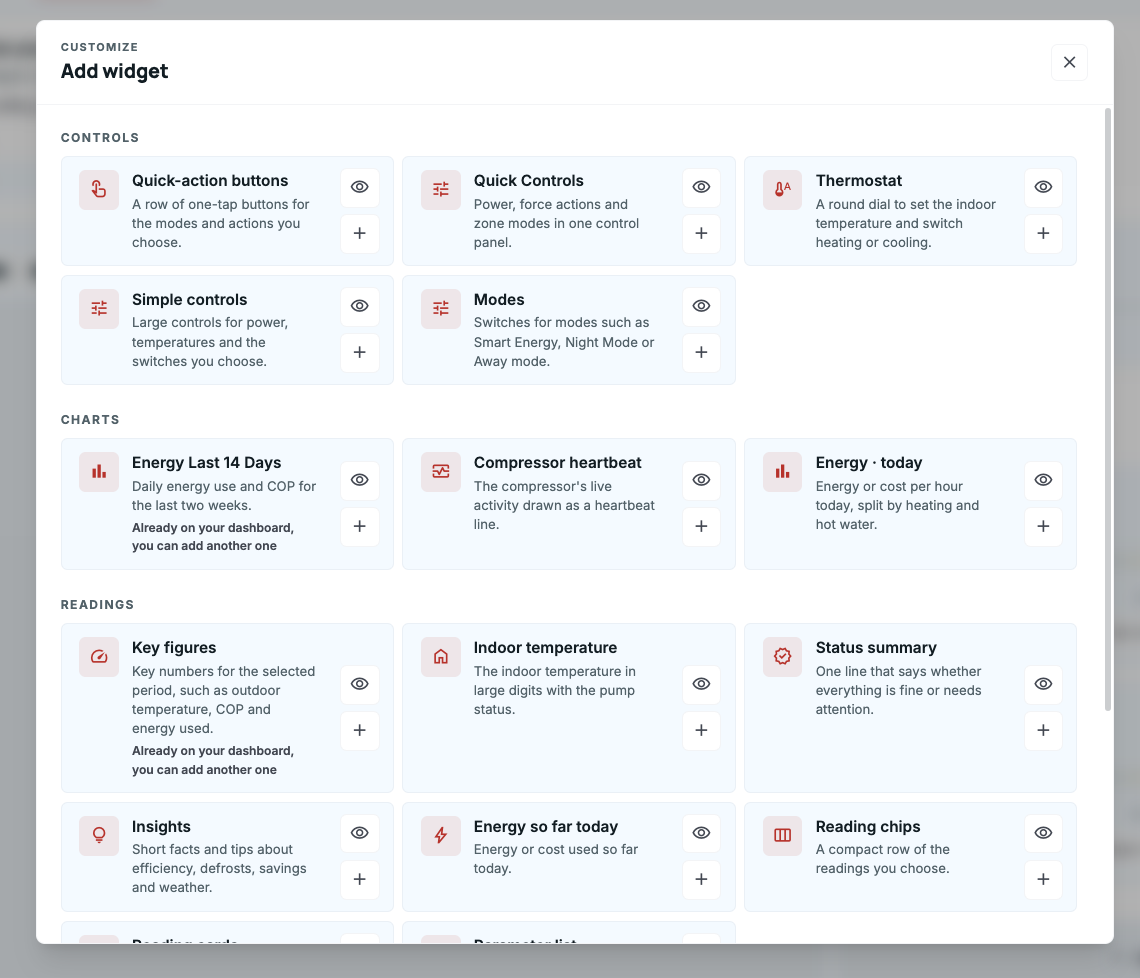
The device dashboard can now be arranged exactly the way you like. Click Customize to add, remove and move widgets, change the column layout of each row and rename the tabs. On a phone you simply put the widgets in the order you want.
Prefer a ready-made view? Pick one of the dashboard styles:
- Complete: every chart, control and detail in one place, the dashboard you already know.
- Simple: the essentials in plain language, great for anyone new to heat pumps.
- Balanced: one thermostat dial, key readings and the most useful charts.
You can switch styles at any time, and your own layout is kept. The editor is also one click away in Account Settings → Display.
14 new widgets
- Thermostat: a round dial to set the indoor temperature and switch between heating and cooling.
- Simple controls: large controls for power, temperatures and the switches you choose.
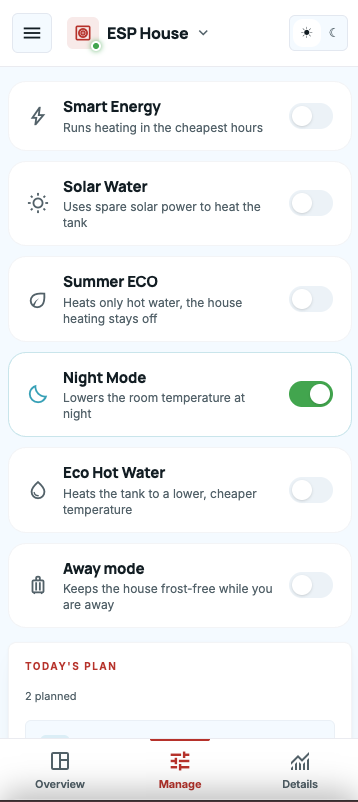
- Modes: one-tap switches for Smart Energy, Night Mode, Away mode and more.
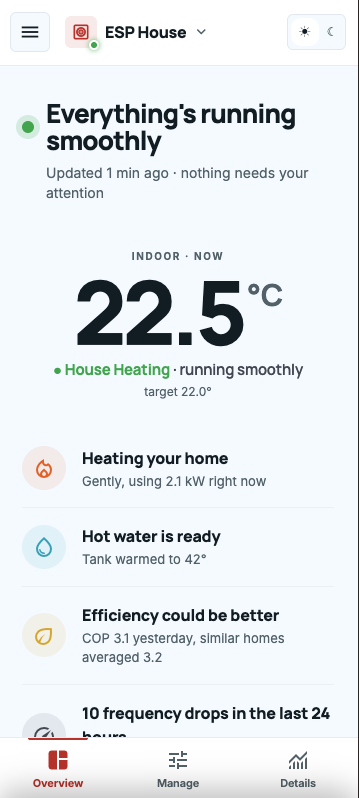
- Status summary and Indoor temperature: how your home and heat pump are doing, at a glance.
- Insights: short facts and tips about efficiency, defrosts, booster heater time, savings and the weather.
- Today's highlights: the most interesting facts about your day in a few short cards.
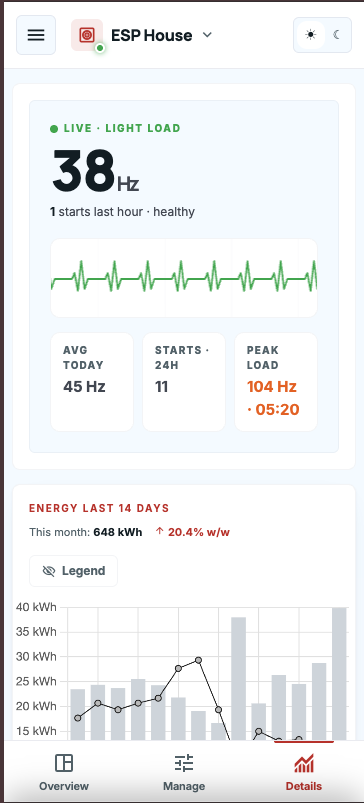
- Compressor heartbeat: the compressor's live activity drawn as a heartbeat line.
- Energy so far today and Energy · today: energy or cost used today, also hour by hour.
- Reading chips, Reading cards and Parameter list: show exactly the readings you pick.
- Simple forecast: temperature, humidity and wind for the next two days, with full details on hover or tap.
Improvements
- Quick-action buttons and the CoP split for energy charts are now set right on each widget, so every widget can show something different.
- The Smart Energy widget can show your tariff prices for the next 24 hours even while Smart Energy is turned off.
- The Solar Panel widget can show the solar production forecast even while Solar Mode is turned off.
- The solar production card follows the day you pick in the date picker.
- Active quick controls and zone modes are now highlighted in green, so you can see what is on at a glance.
- The CoP split options for energy charts are now available directly in the Energy Report.
- Other fixes.